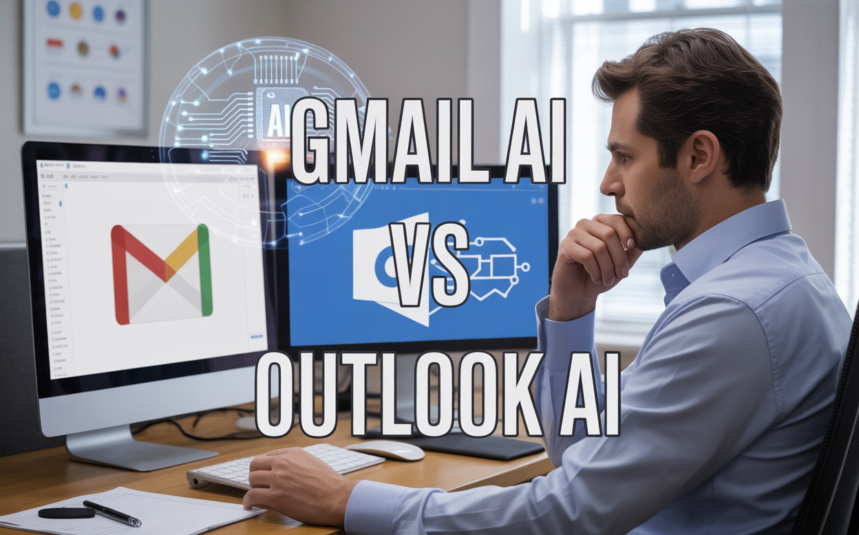
AI email assistants have gone from tech novelty to daily necessity, but choosing between Gmail AI vs Outlook AI feels overwhelming when you’re drowning in messages. This guide is for busy professionals, small business owners, and anyone who processes 50+ emails daily and wants to reclaim their time without switching their entire workflow.
Smart email management isn’t just about writing better subject lines—it’s about getting the right messages prioritized, having solid first drafts ready to edit, and actually reaching inbox zero without burning out. The good news? Both Gmail and Outlook now offer built-in AI options that work surprisingly well, plus there are specialized tools that might fit your exact situation better.
We’ll break down Gmail’s Gemini features versus Microsoft’s Copilot capabilities, walk through the real costs of different AI email tools, and help you figure out which approach makes sense based on how much email you actually handle each day. Whether you’re comparing built-in assistants or wondering if a dedicated AI email client is worth the investment, you’ll have a clear path forward by the end.
Understanding AI Email Assistants and What They Actually Do

Key Features That Matter: Reading, Drafting, and Organizing
AI email assistants can save hours every week by helping you read, organize, and respond to emails faster using smart summaries, prioritization, drafting follow-ups, and scheduling replies. The key features that matter include reading and triage capabilities like summaries, search improvements, and prioritization, along with writing assistance through first drafts, follow-ups, and scheduling replies.
Built-in vs. Dedicated vs. Add-on Solutions Explained
Built-in AI options like Google Workspace or Microsoft 365 offer the lowest friction with fewer apps and simpler IT controls. Dedicated AI-first email clients such as Shortwave or Superhuman are more opinionated about workflow, potentially saving more time for heavy inbox users by replacing the existing email client entirely. AI email assistant add-ons like Mailbutler sit on top of existing clients including Apple Mail, Gmail, and Outlook for users who don’t want to switch their main email application.
Permission Levels and Security Considerations Before Connecting
Many AI email tools focus on drafting and suggestions, requiring user approval before sending, though some can help with scheduling and meeting coordination. When evaluating these solutions, permissions become the critical consideration as these tools need varying levels of access to your email data and account functionality to operate effectively.
Gmail AI Options: Gemini vs. Third-Party Solutions
Google Gemini in Gmail: Native Integration Benefits and Limitations
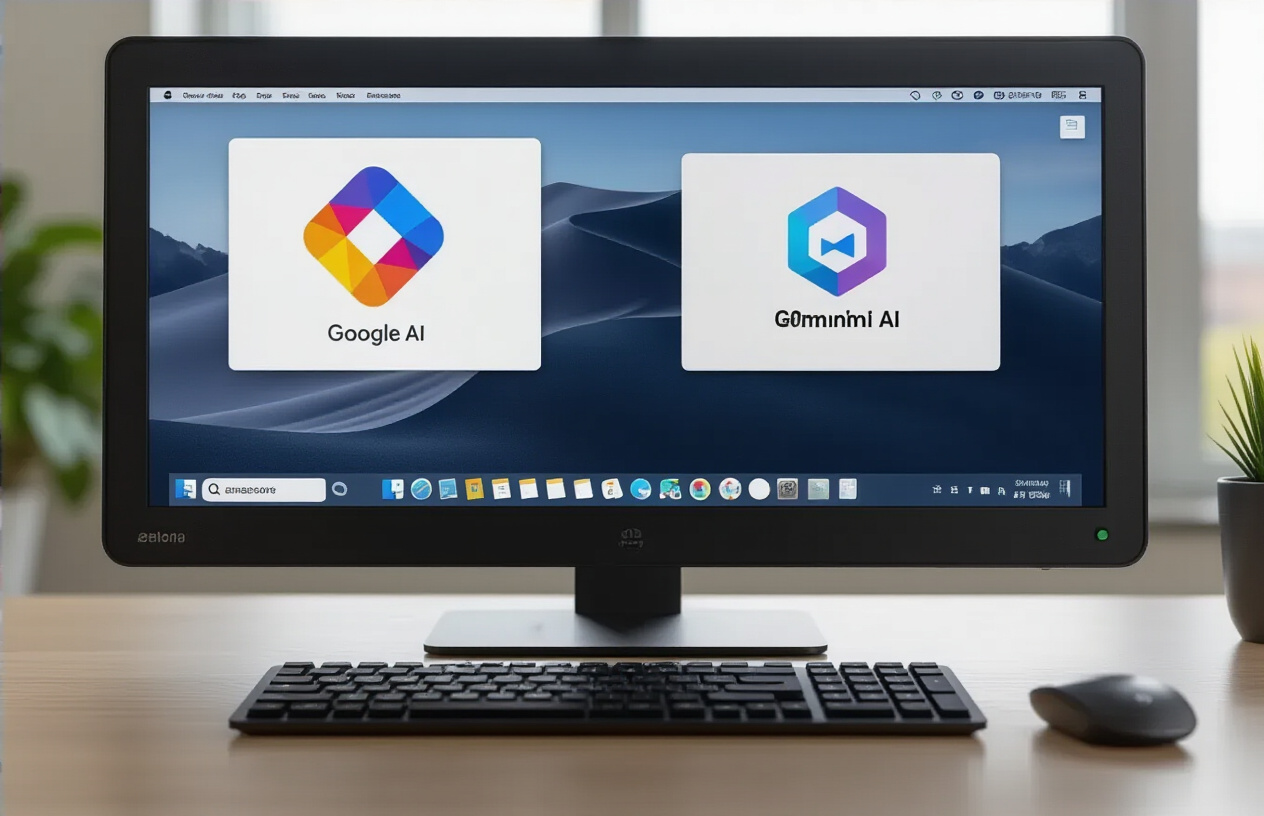
Google’s native Gmail AI integration through Gemini offers seamless email composition assistance and smart reply suggestions directly within the familiar Gmail interface. The AI can draft professional emails, summarize lengthy conversations, and provide contextual responses based on your email history, making it particularly valuable for users already embedded in the Google Workspace ecosystem.
Shortwave: Best Dedicated Gmail AI Client for Teams
Shortwave transforms Gmail into an AI-powered team collaboration platform, offering advanced features like intelligent email categorization, automated follow-up reminders, and team-shared AI insights. This dedicated Gmail AI client excels at managing high-volume team communications while maintaining Gmail’s core functionality with enhanced AI email automation software capabilities.
Outlook AI Solutions: Microsoft’s Copilot and Alternatives
Microsoft Copilot in Outlook: Suite-Wide Integration Advantages
Microsoft Copilot stands as the flagship AI email assistant for Outlook users, offering deep integration across the entire Microsoft 365 ecosystem. This native email AI automation software leverages your organization’s data to provide contextually relevant suggestions, draft responses, and summarize lengthy email threads directly within your familiar Outlook interface.
Cross-Platform Tools That Support Both Gmail and Outlook
For users managing multiple email accounts, cross-platform solutions bridge the gap between Gmail and Outlook ecosystems. These versatile tools eliminate the need to switch between different AI email tools while maintaining consistent functionality regardless of your primary email client preference.
Mailbutler Smart Assistant: AI Add-on for Multiple Email Clients
Mailbutler’s Smart Assistant extends intelligent email management capabilities to both Outlook and Apple Mail users through its comprehensive add-on approach. This third-party solution provides AI-powered email composition, scheduling, and tracking features that seamlessly integrate with existing email workflow processes across different platforms.
Specialized AI Email Tools for Different Use Cases

AskLee: AI Assistant That Works Through Messaging Apps
AskLee represents a unique approach to AI email management by operating through familiar messaging platforms rather than traditional email interfaces. This specialized tool integrates with popular messaging apps to provide AI-powered email assistance, allowing users to manage their inbox through conversational commands and natural language processing.
Front + Front AI: Shared Inbox Solutions for Teams
Front’s AI-powered shared inbox solution transforms team email collaboration by providing intelligent routing, automated responses, and workflow optimization. The platform combines traditional shared inbox functionality with AI capabilities to streamline team communication and ensure consistent customer interactions across multiple team members.
HubSpot Sales Hub: CRM-Integrated Email Automation
HubSpot’s Sales Hub offers sophisticated CRM-integrated email automation that goes beyond basic AI email management. This specialized tool leverages customer relationship data to create personalized email sequences, track engagement metrics, and provide sales-focused insights that align with broader marketing and sales strategies.
Perplexity Email Assistant: Premium Agent-Style Management
Perplexity’s email assistant provides premium, agent-style email management that combines advanced AI capabilities with personalized service. This high-end solution offers comprehensive email workflow management, intelligent prioritization, and sophisticated automation features designed for executives and professionals requiring premium email assistance.
Pricing Analysis: Cost vs. Value for Different User Types

Budget-Friendly Options Under $15 per Month
Most users seeking AI email assistance can find effective solutions within budget-friendly price ranges. Gmail’s Gemini integration offers competitive pricing for basic AI functionality, while Outlook’s Copilot provides similar capabilities at comparable rates. These entry-level AI email assistant options typically include smart compose, basic automation, and email prioritization features suitable for individual users and small businesses.
Premium Solutions for Heavy Email Users ($25-$40 Monthly)
Heavy email users requiring advanced AI email automation software benefit from premium-tier solutions offering enhanced intelligent email management capabilities. These higher-priced options deliver sophisticated features like advanced scheduling, complex workflow automation, and deeper integration with productivity suites, making them ideal for professionals managing substantial email volumes daily.
Making the Right Choice Based on Your Email Volume and Workflow

Light Users: Built-in Solutions vs. Simple Add-ons
For users processing fewer than 50 emails daily, Gmail’s Gemini integration and Outlook’s Copilot provide sufficient AI email automation software capabilities. These built-in intelligent email management solutions handle basic tasks like drafting responses and organizing messages without requiring additional subscriptions or complex configurations.
Heavy Email Processors: Dedicated Clients vs. Suite Integration
Previously, we’ve seen how different AI email tools review differently based on usage patterns. Power users managing 200+ emails daily benefit more from dedicated AI assistant for email workflow solutions that integrate deeply with their existing email clients. Microsoft Copilot’s suite integration often outperforms Gmail AI vs Outlook AI comparisons for enterprise environments, while Gmail Gemini vs Microsoft Copilot shows better performance in collaborative workflows requiring advanced email AI pricing comparison considerations.
Implementation Strategy: Starting Small and Scaling Up

Beginning with Inbox Cleanup Before Adding AI
Before implementing any AI email assistant comparison between Gmail AI vs Outlook AI solutions, establish a clean foundation by organizing your existing inbox. Archive old emails, create proper folder structures, and eliminate unnecessary subscriptions that could confuse your chosen AI email assistant. This preliminary step ensures that whether you select Gmail Gemini vs Microsoft Copilot, your AI assistant for email workflow will have quality data to learn from rather than processing years of digital clutter.
Testing Draft-First Workflows to Maintain Control
Start your AI email automation software implementation by enabling draft creation features rather than direct sending capabilities. This approach allows you to evaluate how well your selected email productivity AI understands your communication style and business context. Whether using Gmail’s Gemini or Outlook’s Copilot, reviewing AI-generated drafts helps you maintain oversight while gradually building confidence in the system’s suggestions and maintaining your professional voice across all correspondence.
Gradually Expanding Permissions and Automation Features
Once comfortable with draft generation, progressively expand your intelligent email management capabilities by enabling additional automation features. Begin with simple tasks like smart categorization and priority flagging before advancing to automated responses or meeting scheduling. This measured approach to scaling your email AI tools ensures you maintain control over critical communications while maximizing the productivity benefits of your chosen AI assistant platform.

The choice between Gmail AI and Outlook AI ultimately comes down to your existing ecosystem and specific workflow needs. If you’re already invested in Google Workspace, Gemini in Gmail offers seamless integration without additional apps or complex setup. For Microsoft 365 users, Copilot provides cross-app functionality that spans Outlook, Teams, and other Office applications. Both built-in solutions offer the lowest friction path to AI-powered email assistance.
However, the “winning” assistant may actually be neither Gmail nor Outlook’s native options. Dedicated AI email clients like Superhuman and Shortwave often deliver superior performance for power users, while specialized tools like SaneBox excel at inbox organization, and comprehensive assistants like AskLee bridge email with broader productivity workflows. The most effective approach is to start with your current email platform’s built-in AI features, then evaluate whether dedicated tools justify their additional cost and complexity based on your actual email volume and workflow demands. Remember that reducing incoming email through unsubscribing and cleanup tools often provides greater productivity gains than any AI assistant.